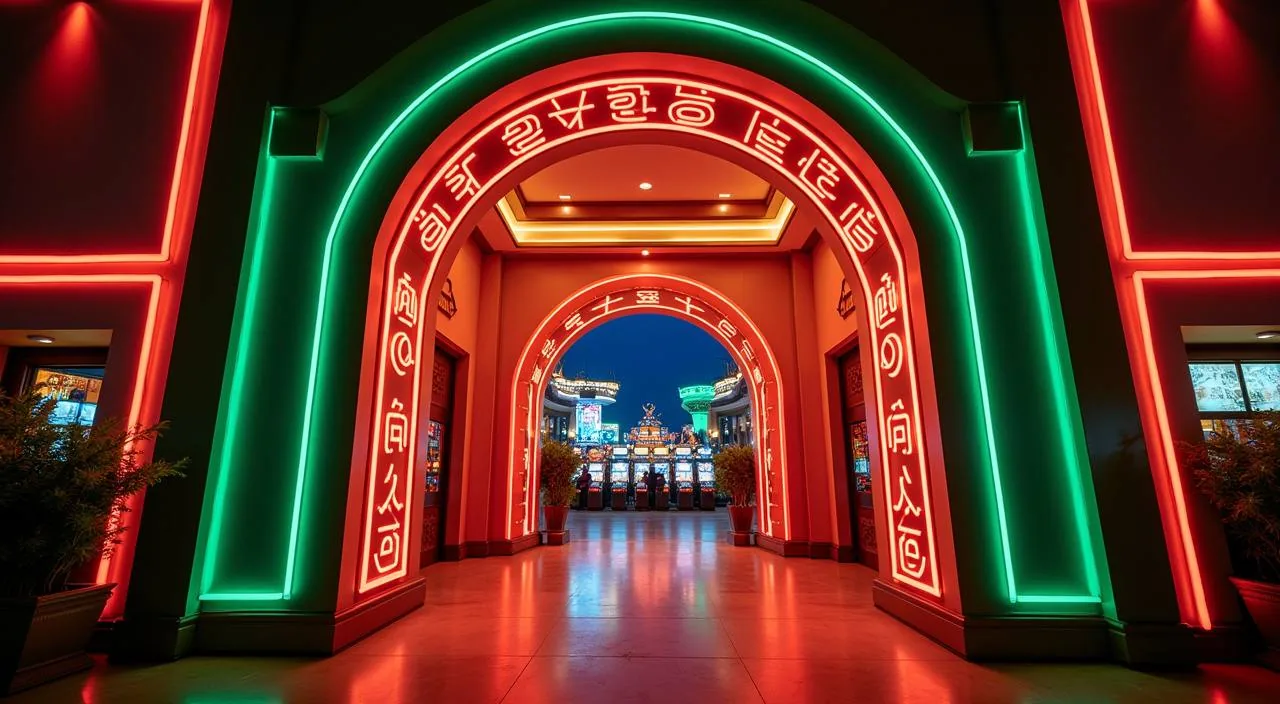
taka28 is a compact casino lobby shaped for returning members in Bangladesh who want to move fast between live tables, slots and sports — all from a single account. Wallet access via Rocket and Bank Transfer keeps your session connected to real local payment rails.
The lobby at taka28 is arranged around a single choice: do you want the pace of a live dealer table, or do you prefer working through slots at your own speed? That question drives how we organise every section of the site. Live casino puts Baccarat Diamond and Live Baccarat Royale front and centre — real dealers, real-time rounds, stakes that move when the table moves. Slots are sorted by studio so you can land on Microgaming, Habanero, Pragmatic Play or Joker titles without scrolling past categories that do not interest you. Crash Rush sits in its own section for members who want short, sharp rounds rather than extended sessions. We keep the account wallet visible across all of these areas, so your Rocket balance or Bank Transfer deposit is accessible without switching screens.
Rocket
Bank Transfer
Mobile Access
PLATFORM AT A GLANCE
Four Structural Facts About taka28
These figures reflect what we have actually configured on the platform — the game categories in the lobby, the language context we write for, the payment rails connected to your account, and the device paths the site renders on. We do not publish counts we cannot verify, so you will not find inflated numbers here. What you see below maps directly to what you can check inside your account today.
Game studios in the lobby: Microgaming, Habanero, Pragmatic Play, Joker
4
Verified local payment rails: Rocket and Bank Transfer
2
Account language context: English for Bangladesh
1
Supported screen types: mobile browser, tablet and desktop web
3
REACH US DIRECTLY
How to Contact Our Team
Account questions, wallet queries and lobby navigation issues all go through the same published support routes. We keep the contact paths visible inside the signed-in account area so you do not have to search for them after logging in. If your question relates to a Rocket transaction or a Bank Transfer verification step, mention the payment method when you first write — it helps the support team pull the right account record without a follow-up round.
Live Chat
Open the chat icon from the account navigation bar. Available through the site's published hours shown on the contact page inside your account.
Email Support
Send your account question to the email address listed in the Help section. Include your registered account ID and the payment method involved for a faster response.
Help Centre
The Help Centre under your account menu covers wallet steps, deposit confirmation paths and lobby navigation — check there before raising a new ticket.
HOW WE OPERATE
What You Can Check For Yourself
Trust is built through things you can verify, not through claims we repeat until they sound true. The details below point to published or observable parts of the platform — account settings, wallet records, studio labels in the lobby and support contact fields. If something here does not match what you see inside your account, the account view is the authoritative version and the discrepancy is worth raising with support.
Published Payment Rails
Rocket and Bank Transfer are the two payment routes configured on the account deposit screen. You can confirm the listed methods and any published minimums or steps directly in your wallet section before initiating a transaction.
Studio Labels in the Lobby
Every game in the lobby carries a studio label — Microgaming, Habanero, Pragmatic Play or Joker. Those labels are visible on the game tile before you open the title, so you can filter by studio without guessing which provider is behind a given slot or table game.
Account-Level RTP Disclosure
Where a game or studio exposes RTP data, the figure appears on the game detail screen. We do not publish RTP numbers that the provider has not made available — check the individual game tile for what is shown.
Support Routes on Record
Live chat and email support are the two published contact channels. Operating windows are shown on the contact page inside your account — we do not publish hours we cannot consistently staff.
LIVE VS SELF-PACED
Choosing Your Play Mode
The two modes on taka28 behave differently enough that it is worth knowing which one suits your session before you open the lobby. Live tables run on a dealer schedule — rounds start and end regardless of when you arrived, so timing matters. Self-paced slots like Slot Magic or BPL Powerplay Slots start and stop on your input, which means you can pause mid-session without losing your place in a round. Most returning members use both, but they switch deliberately rather than drifting between them.
Live Tables — Pace
Rounds are dealer-controlled. Baccarat Diamond and Live Baccarat Royale move at a fixed cadence set by the studio stream. You join an active table, not a waiting room, so you need to be ready when the betting window opens.
Self-Paced Slots — Pace
Slots like BPL Powerplay Slots and Crash Rush run on your timeline. Each spin or round launches when you press it. There is no dealer clock counting down, making these the natural choice for mobile sessions where interruptions happen.
Live Tables — Account Use
Wallet balance is deducted per betting window. Keep your Rocket or Bank Transfer deposit confirmed before joining a live table — mid-session top-ups are available but add a step while a round is running.
Self-Paced Slots — Account Use
Deposits go into your account wallet first and draw down per spin. Because rounds are not time-gated, you can review your wallet balance between spins without feeling pressure from a dealer countdown.
BRAND REFERENCE POINTS
What Defines the taka28 Experience
Four elements consistently shape how the platform reads to a returning member: the studio arrangement in the lobby, the cricket-led sports section, the local payment rails tied directly to the account wallet, and the mobile-first navigation that keeps all of this reachable on a phone screen without a dedicated app download. These are not aspirational statements — each one is a configured feature you can verify by opening the relevant section of your account today.
Studio-Sorted Lobby
Games are grouped by studio — Microgaming, Habanero, Pragmatic Play, Joker — so you land on the titles you recognise rather than scrolling a single undifferentiated list. Studio filters sit at the top of the casino section.
Cricket-Led Sports Section
BPL and international cricket markets are the headline category in the sports section. The same account wallet used for casino rounds funds your sports wagers — no separate sports balance to manage or top up.
Local Payment Connection
Rocket and Bank Transfer connect directly to the account deposit screen. The steps and any published limits are shown in the wallet section — check there for the current figures rather than relying on a cached page.
Mobile Browser Navigation
The full lobby — live tables, slots, crash games and sports — renders in a mobile browser without needing a separate download. Navigation tabs stay fixed at the bottom of the screen so switching categories takes one tap from any section.
COMMON QUESTIONS
About taka28 — Questions We Hear Most
These answers cover what returning members in Bangladesh ask most often about how taka28 is set up, how the account connects to local payment rails, and where to check specific details that vary by account status. If your question is not here, the Help Centre inside your account is the next place to look.
Is taka28 accessible from Bangladesh?
Access depends on your local law and the eligible regions confirmed at registration. We do not publish a blanket availability claim. Open the account registration page and follow the eligibility fields shown there — those reflect the current access conditions for your region.
Which payment methods does taka28 support?
Rocket and Bank Transfer are the two payment rails confirmed on the deposit screen. The full steps, published minimums and any verification requirements are shown in the wallet section of your account. Check there for the current details before initiating a deposit or withdrawal.
Which game studios are in the taka28 lobby?
The lobby carries titles from Microgaming, Habanero, Pragmatic Play and Joker. Each game tile shows a studio label so you can filter by provider before opening a title. Studio availability is visible in the casino section without needing to log in first.
Do I need a separate account for sports betting?
No. The same account wallet that covers live casino and slots also funds the sports section. Cricket markets — including BPL and international fixtures — are in the same navigation rail as the casino lobby. One account, one wallet balance across both.
Where is RTP information shown for slots?
RTP figures appear on the game detail screen only where the studio or provider has made the data available. We do not publish figures that have not been supplied by the game provider. Check the individual game tile inside the lobby for whatever is displayed there.
How do I contact support about a wallet or account issue?
Live chat is accessible from the navigation bar inside your signed-in account. Email support is listed in the Help section — include your account ID and the payment method involved. Both contact routes and any current operating windows are published on the contact page inside your account.
 App / Mobile